Check off your calendar
and track your habits.
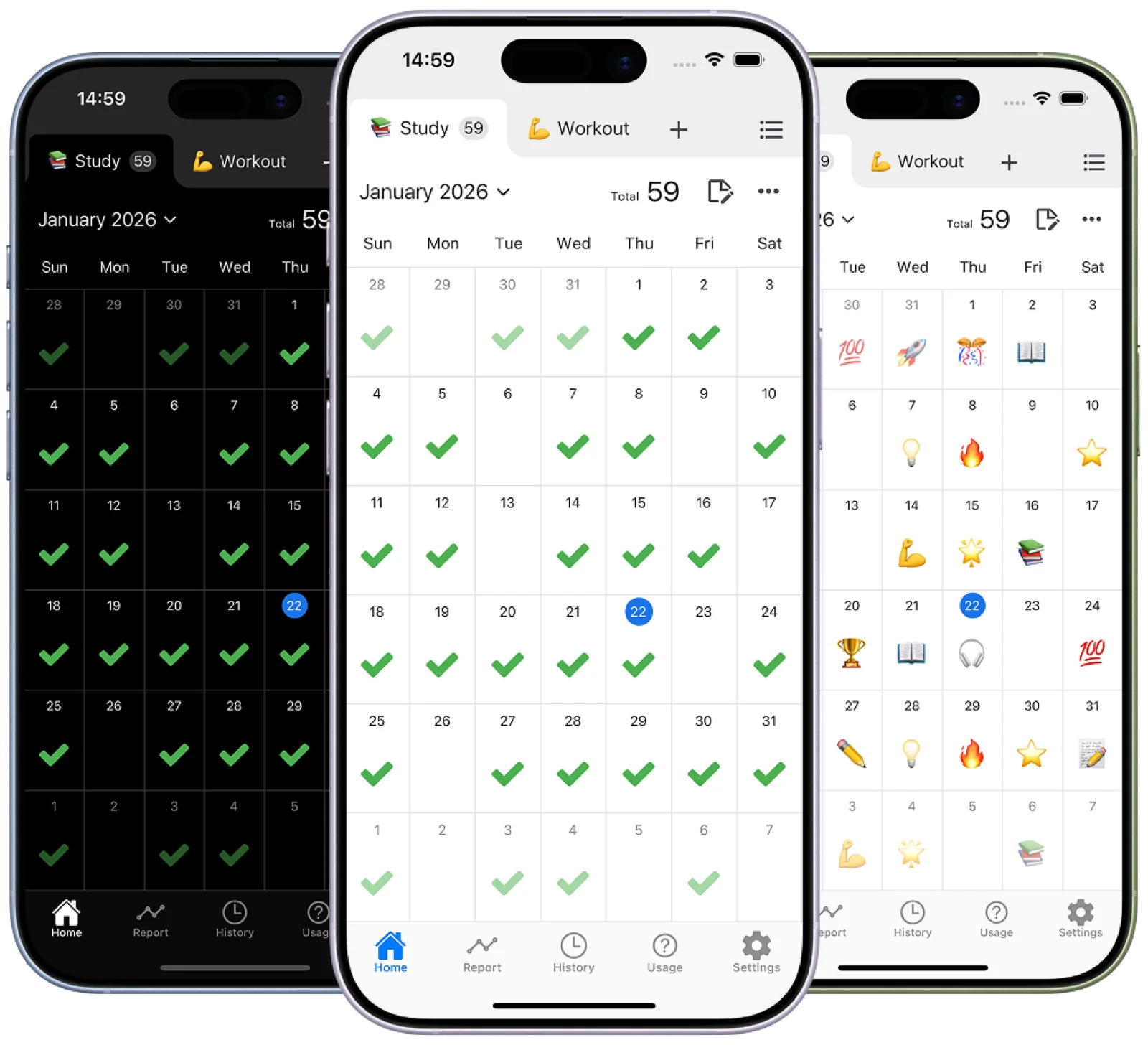
An iOS/Android app to track habits by checking off your monthly calendar.
Simple and beautiful UI. Record your habits quickly with just one tap.
Packed with powerful features: unlimited tabs, dark mode, emojis, reports, and more.

What is Check Calendar?
Track your habits,
never forget again.
I wanted to check my habits easily. That's how Check Calendar was born. First, I wanted to track when I took my medication—I kept forgetting. Then came workouts. Since I had more than one habit to track, I made it work with unlimited tabs. After that, I wanted to check with my favorite emojis, add notes, and visualize with reports. Powerful features came together. Once you start recording your habits, I'm sure you'll feel it too—the sense that your life is changing.
Simple
Check your habits
with just one tap.
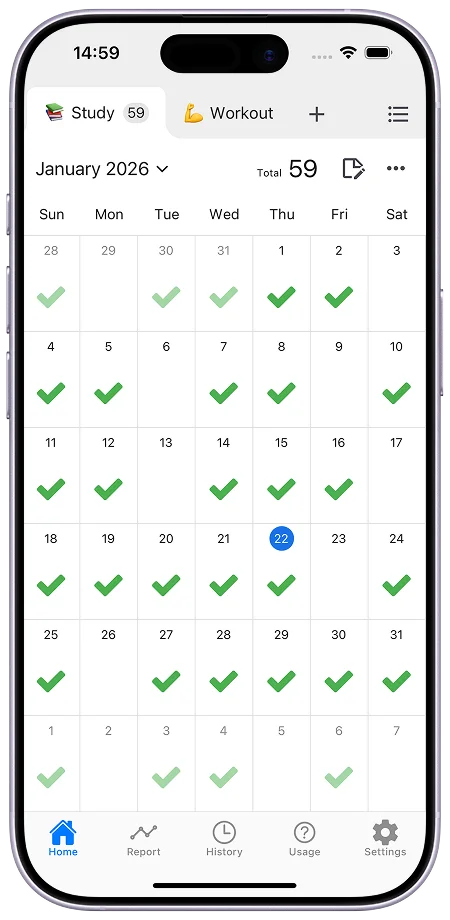
Simply tap on the monthly calendar to easily record your habits.
No unnecessary page transitions. Simple yet powerful.
Quickly swipe to navigate through past months.
😊 Emojis
Over 1000
emojis available.
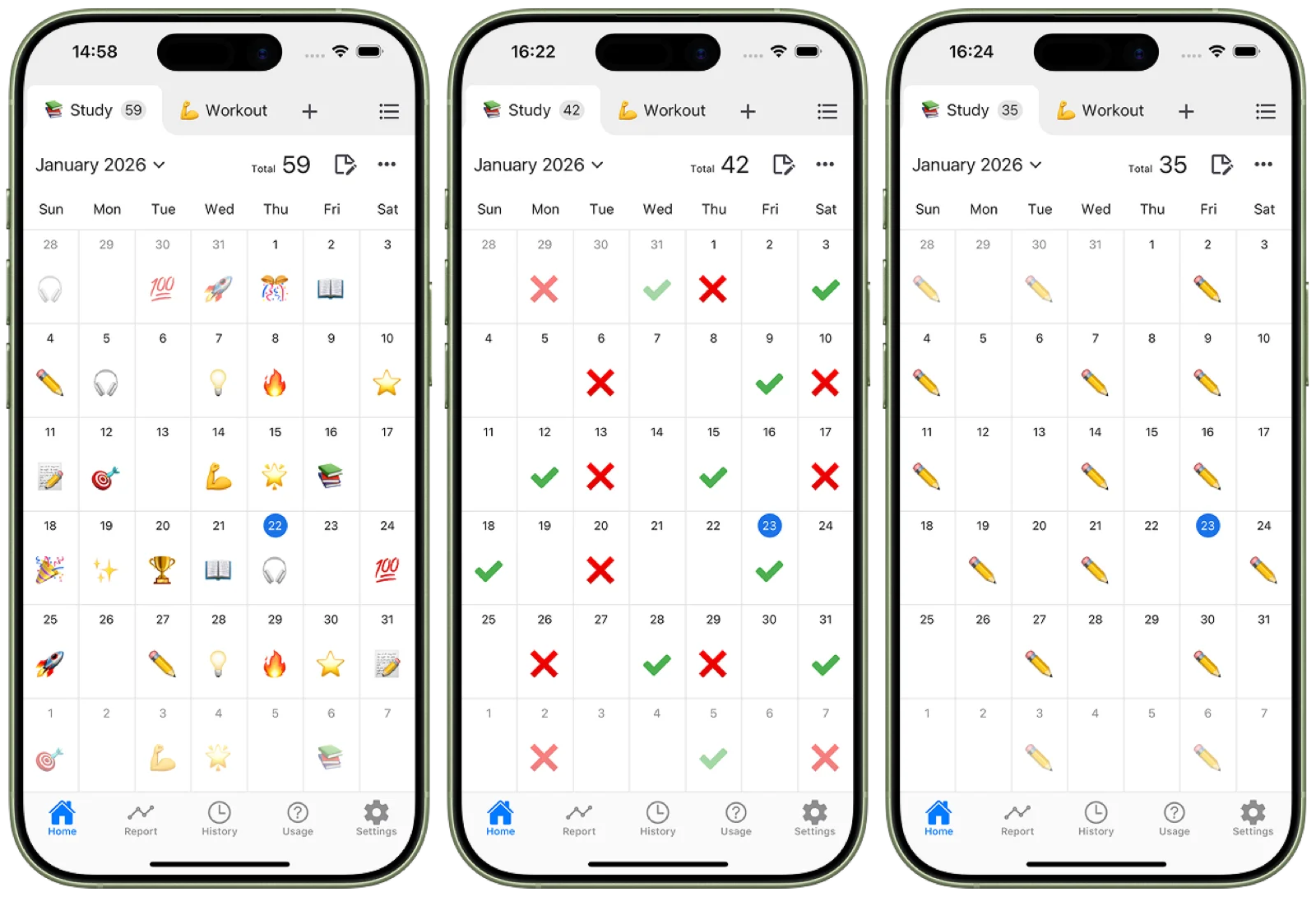
Check off each day or habit with over 1000 emojis.
For example, mark days you missed with ❌.
Record your own unique habits.
Dark Mode
Easy on the eyes,
Dark Mode.
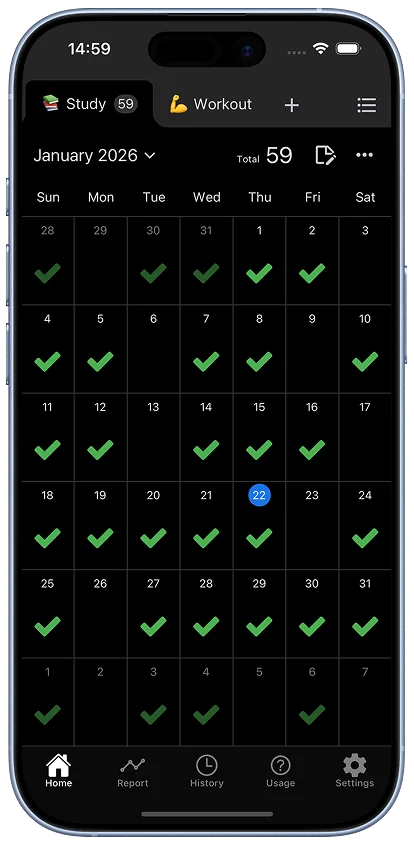
Supports Auto, Light Mode, and Dark Mode.
Auto switches between Light and Dark Mode based on your device settings.
Record your habits with a beautiful UI.
Reports
Visualize
with graphs.
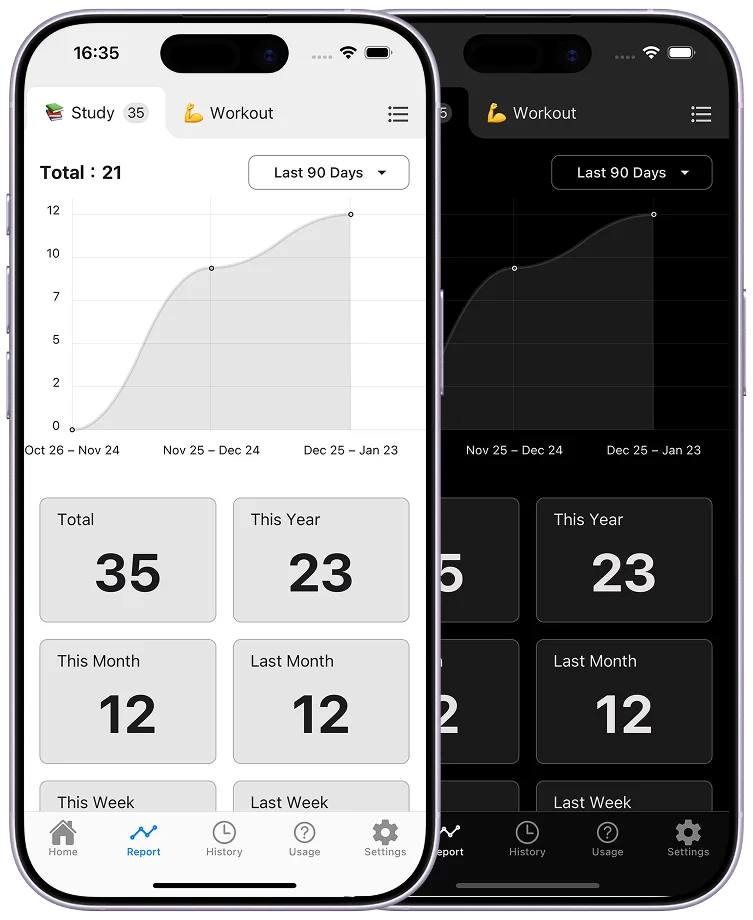
Your checked data can be visualized as reports.
Packed with presets: this week, past 7 days, past 30 days, past 3 months, past 6 months, and more.
You can also check your last check date, consecutive check count, and more.
Memos
Leave
your notes.
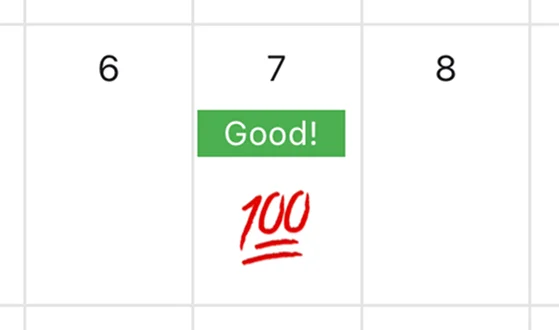
Supports both short and long memos.
Short memos are also displayed on the calendar.
Look back on any moment with free-form notes.
And more
many more features.
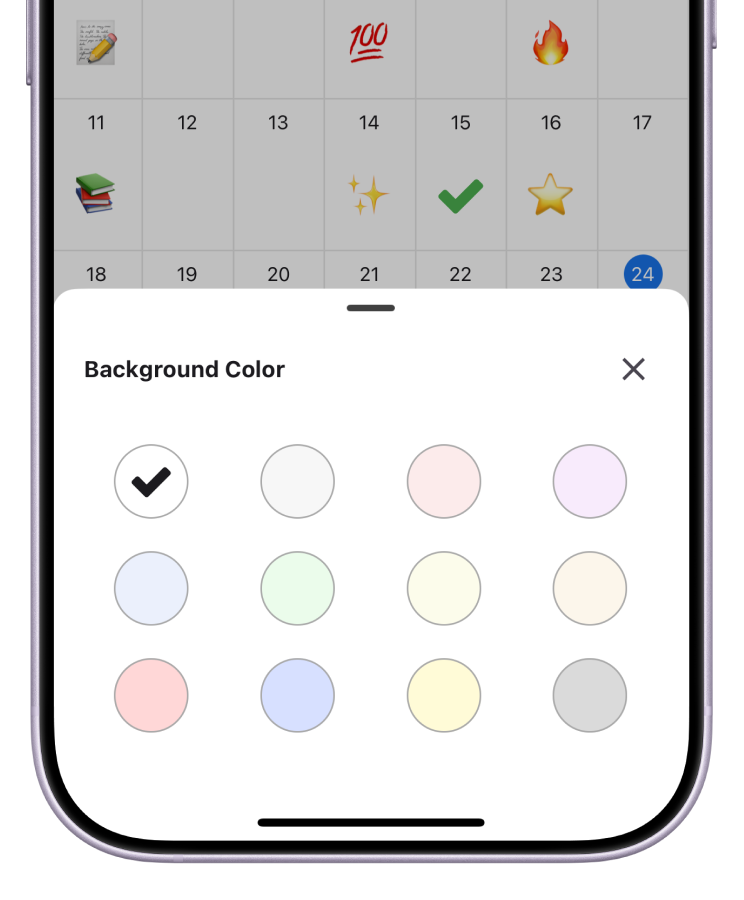
Custom Background Colors
Change background colors to create color-coded calendars. Make your own unique calendar. Decorating your calendar with your favorite colors makes it fun to open every day.
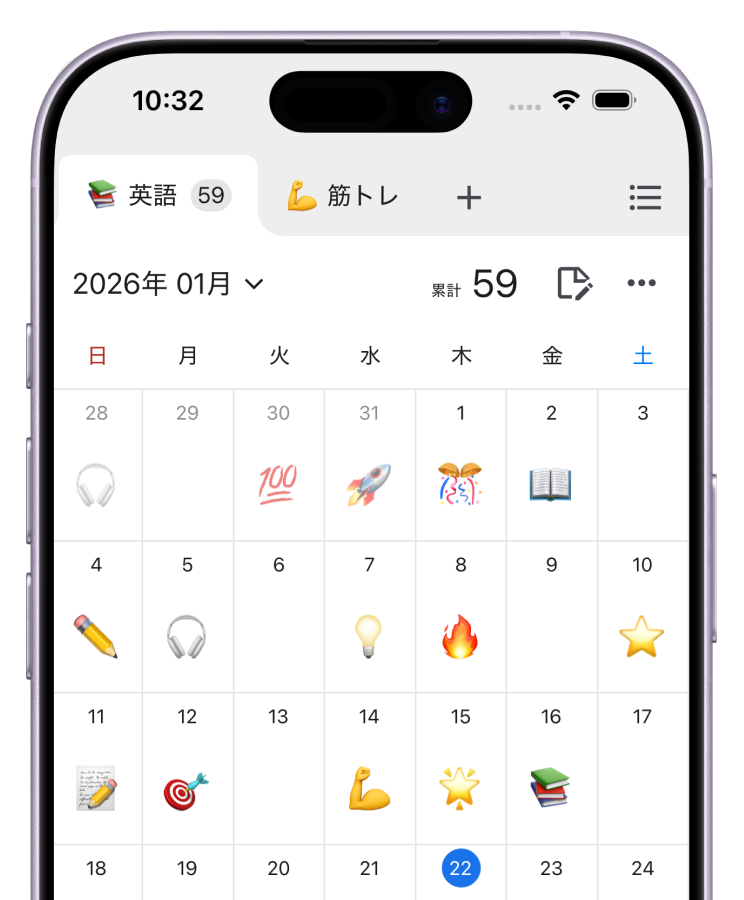
Unlimited Tabs
Add unlimited tabs. Create calendars for each category like "Medication," "Workout," "Study," and more. Perfect for those who want to manage multiple habits at once.
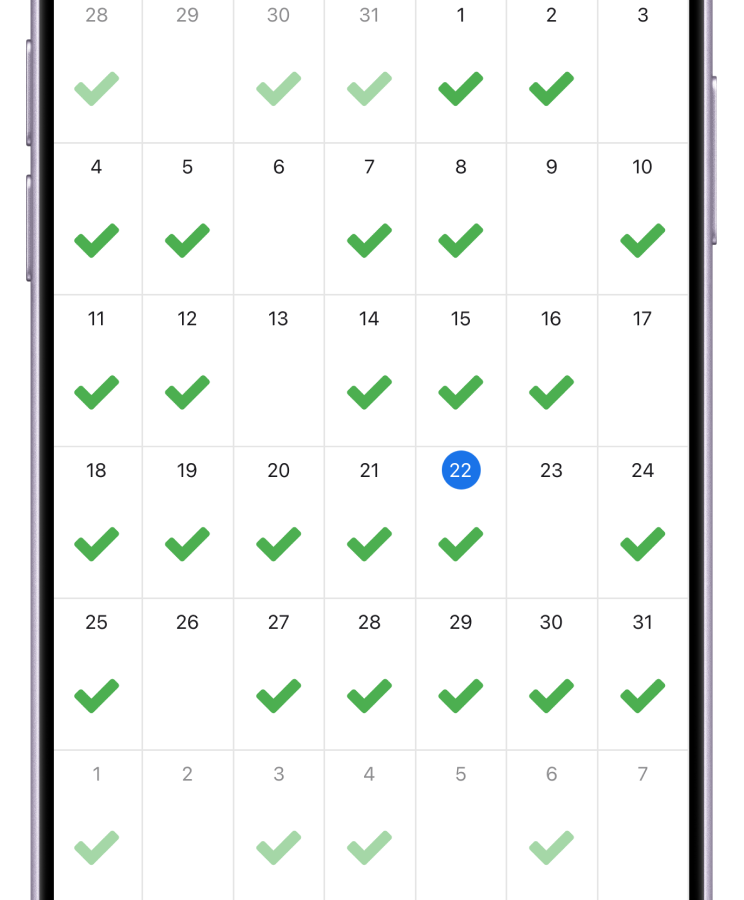
Robust Security
Protecting your data is our top priority. Your data is stored only on your device and is never held on external servers. Designed with your privacy in mind, you can use the app with peace of mind.
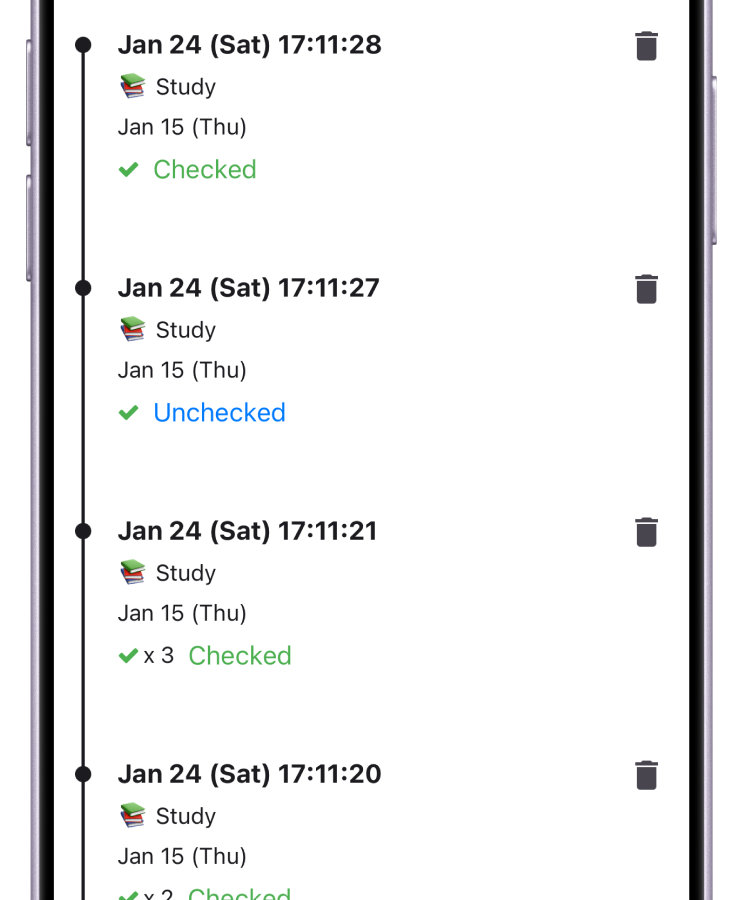
Unlimited History
View the history of your checks, as well as short and long memos. You can look back on past records anytime to track changes in your habits or remember what you did on a specific day.
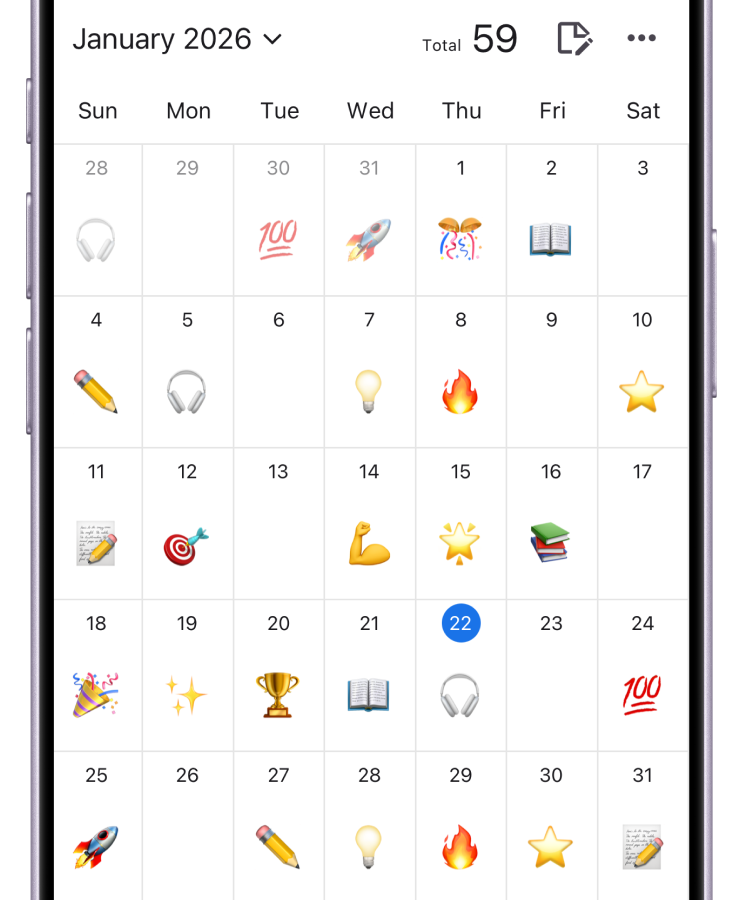
Backup & Restore
Backup and restore your data to use it on other devices. Data can be migrated even between different operating systems. Transfer your data worry-free when switching devices.
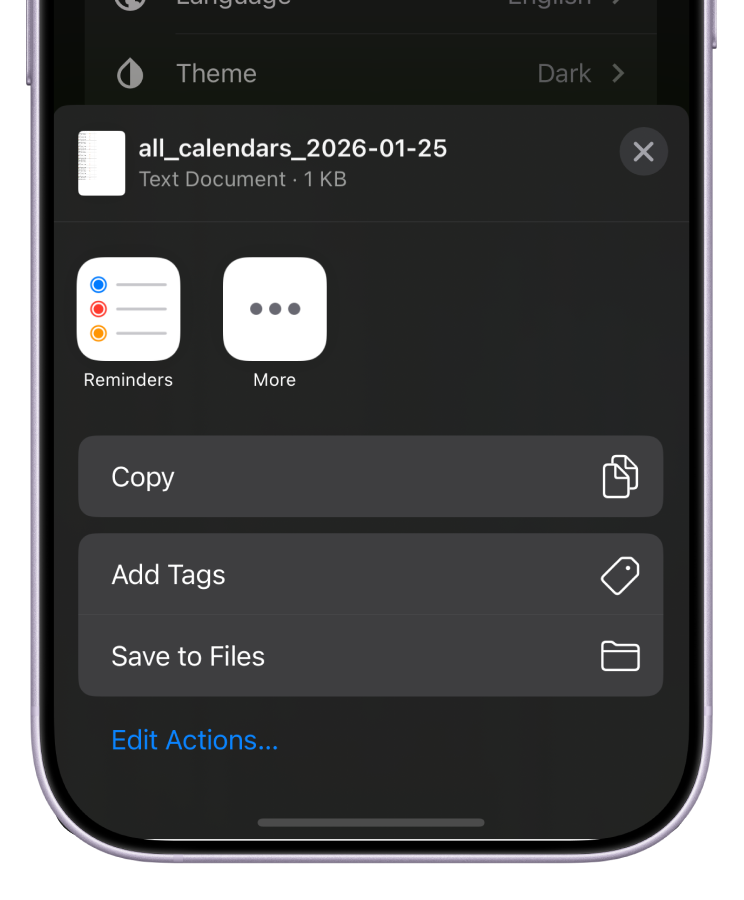
CSV Export
Export all or individual data to CSV. You can even pass the exported data to AI for analysis. Recommended for those who want to freely utilize their data.
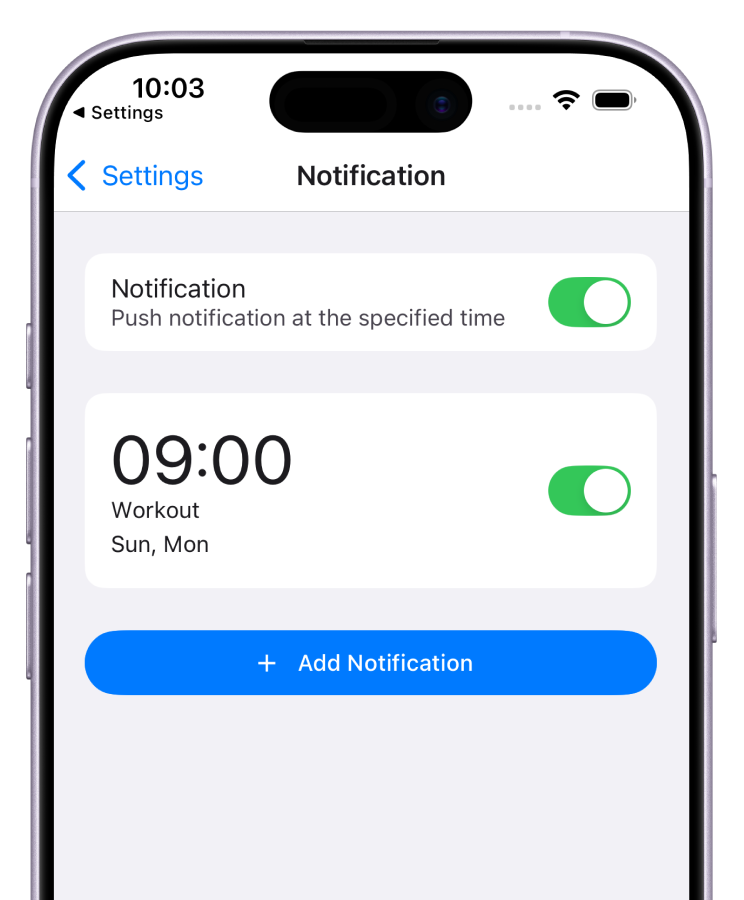
Flexible Notifications
Create notifications with custom messages at specified times and days. Notifications help you stay on track with your habits. Using them as reminders increases your success rate in building habits.
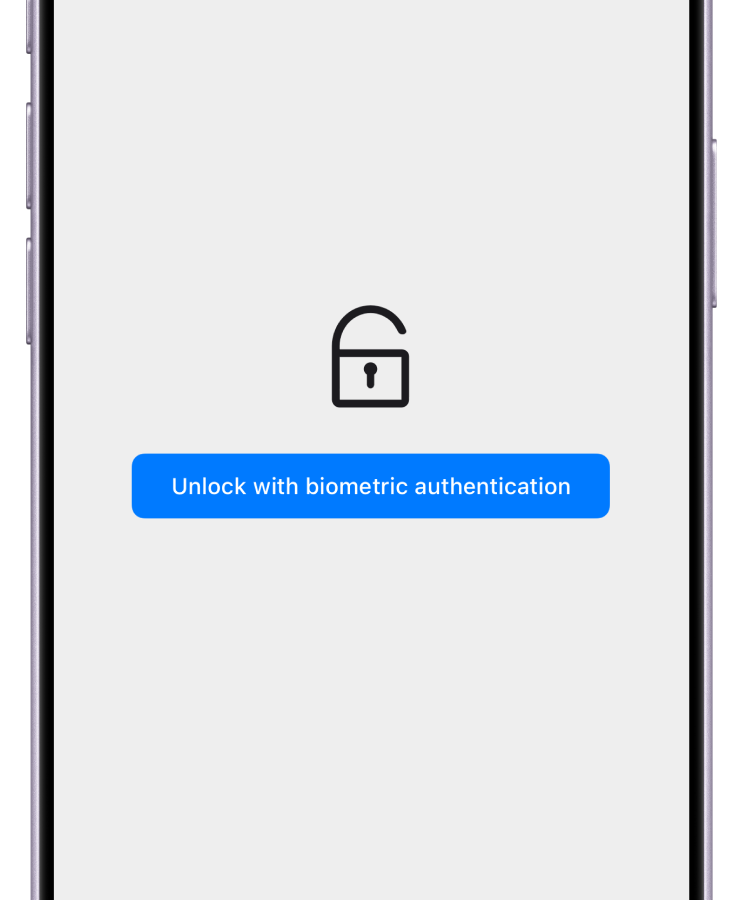
Biometric Authentication
Require Face ID, fingerprint, or passcode to use the app. Enhance security to protect your data. Keep your private information safe and secure.

Start using Check Calendar today.
Check off your calendar and track your habits.
Customer Reviews
Simple and easy to use
I use it to record my gym days. There aren't many apps that just let you record and view by month, and the display and features are simple and easy to use. At first I worried about accidental taps since it records with just one tap without confirmation, but after using it for over six months I haven't made any mistakes, and it's actually easier without unnecessary steps.
Super easy to use
It's simple so it's easy to use. I also love features like short memos and dark mode that really hit the spot. I use it to track my workouts and medication.
No unnecessary steps! Simple and easy to use
I was looking for a habit app that lets me record with just one tap. Many apps have stylish or cute designs, but often require at least 2 taps to record due to memo features, and can even record days you didn't do something, which I found unnecessary. This app completes the record just by tapping the date on the calendar. You can do it right after completing your habit. Plus, it only has the minimal features: record days you did it, don't record days you didn't. Thanks to this, I can now record stress-free what used to feel like too much work.
Use Cases
Health & Fitness
Track the days you worked out or went for a walk. Set monthly goals and see your progress at a glance. You can also record water intake, stretching sessions, and any other health-related habits. By keeping track consistently, you can visualize your efforts and boost your motivation.
Medication
Record the days you took your medication. Quickly see when you last took it to help prevent missed doses. Whether it's daily medication management, tracking the frequency of as-needed medications, or providing accurate information to your doctor during visits, this app has you covered. It's also great for managing family members' medications.
Study
Record the days you studied. Use the monthly calendar to reflect on your progress and feel your study habits taking root. Whether it's preparing for certifications, language learning, or exam prep, visualizing your daily efforts helps you feel a sense of achievement in activities where consistency is key.
Want to know more?
Contact us here. We will respond as soon as we review your message.
Yes, your data is primarily stored only on your device. Even the developers cannot access it. Data is only stored on Google's servers during backup. Google and Apple logins during this process do not allow the app to retain your password. Keeping your data secure is our top priority.
No, there are no limits on check counts, number of tabs, report retention period, or any other data storage.
You can use it on iPhone and Android smartphones. Download it from the App Store or Google Play.
Yes, you can transfer data between different devices using the backup and restore feature. This works from iPhone to Android and vice versa.
Contact
Please enter your email address if you would like a reply.